Updated:
Medical devices in India are regulated under the Medical Devices Rules, 2017, with CDSCO as the national regulator and state authorities handling some lower-risk categories. Devices are classified by risk from Class A to Class D. For hospitals, the key point is that equipment such as surgical lights may be regulated devices, while building infrastructure such as wall panels generally is not, so ask suppliers for registration or licence details device by device.
Summary at a Glance
| Item type | Generally a medical device? | What to ask the supplier |
|---|---|---|
| OT wall and ceiling panels | Generally no | Material and finish details |
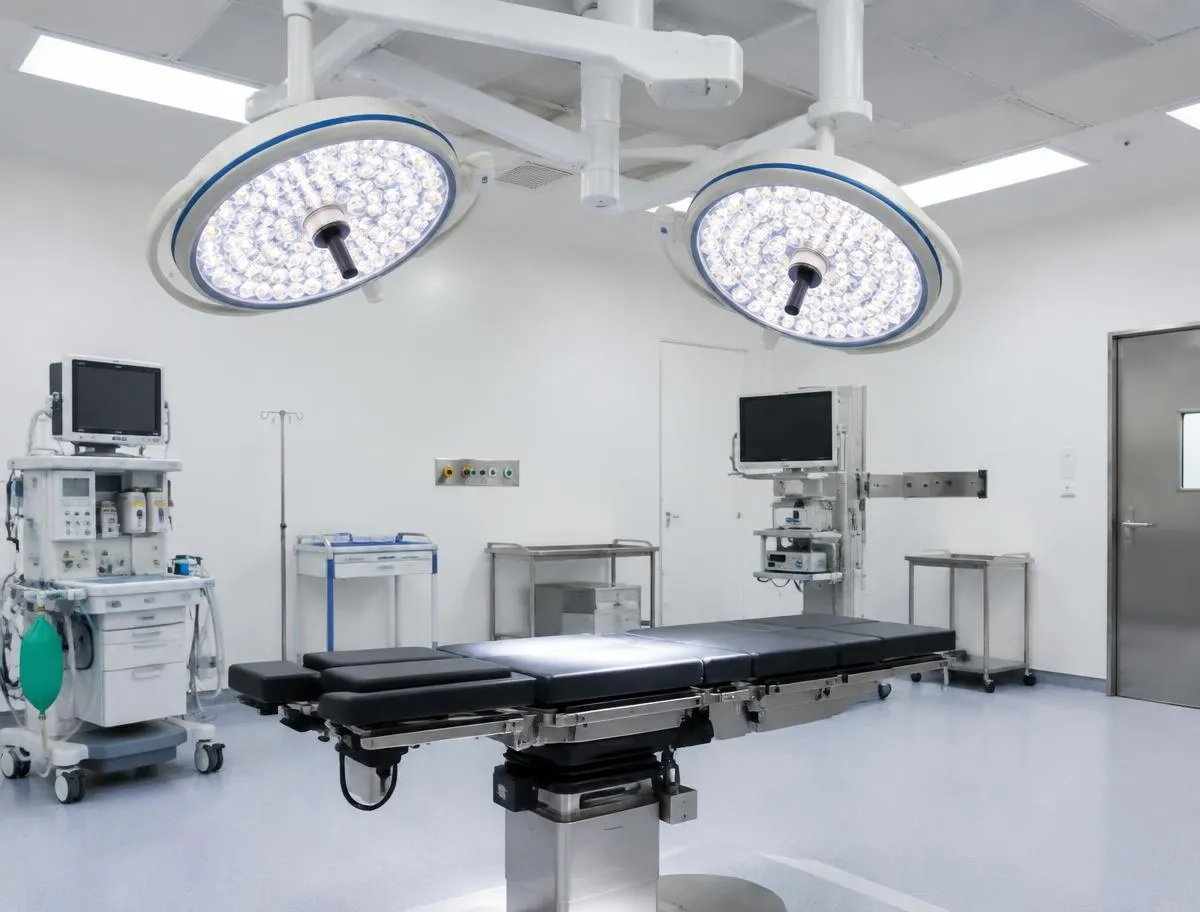
| Surgical lights | May be, depending on notifications | Applicable registration or licence |
| OT pendants and ICU equipment | May be, depending on the product | Applicable registration or licence |
| Pipeline outlets and accessories | Depends on the product | Manufacturer documents and regulatory status |
Risk-based classification
The rules classify medical devices by risk:
- Class A — low risk
- Class B — low to moderate risk
- Class C — moderate to high risk
- Class D — high risk
What this means for buyers
Whether a specific item is a notified medical device, and which licence applies, depends on the product and current notifications. Hospitals should ask the supplier or manufacturer for the applicable registration or licence details for each device. Building infrastructure such as wall panels is generally not a medical device, while equipment such as surgical lights may be.
Why classification matters to buyers
The risk class influences which authority licenses a device and what documents the manufacturer or importer must hold. A buyer does not need to classify devices personally, but should know which items in a project may be regulated and request the relevant documents before purchase.
Imported versus Indian-made devices
Both imported and Indian-made devices fall under the rules where they apply. The importer or manufacturer holds the relevant licence. Ask who that is for each product, rather than assuming the reseller or installer holds it.
Keeping up with changes
The list of notified devices and the related requirements have changed over time and may change again. A document that was correct at the time of an earlier purchase may not reflect current rules. Hospitals should check the current position with their consultant or regulatory adviser at the time of each purchase, and ask suppliers to confirm the status of each device in writing.
Questions to ask suppliers
Asking every bidder the same questions makes quotations easier to compare and reveals gaps in scope before an order is placed:
- Is this product a notified medical device, and in which class?
- Who holds the licence or registration for it?
- Can you share the licence or registration details for our records?
- Who is responsible for service and complaints for this device in India?
Key points to remember
A short checklist to take into your next design or procurement meeting:
- Medical devices are regulated under the Medical Devices Rules, 2017.
- Devices are classified by risk from Class A to Class D.
- Infrastructure such as wall panels is generally not a medical device.
- Ask for licence or registration details device by device.
- Check the current position at the time of each purchase.
Important
This page is a general overview for planning purposes. It is not legal or regulatory advice. Always refer to the current official text of the standard or regulation and your hospital's accreditation consultant.
What this means for Indian hospitals
Practical steps for hospitals buying equipment:
- Separate infrastructure items from medical equipment in the project list.
- For each device, ask whether it is notified and which licence applies.
- Request the licence or registration details from the manufacturer or importer.
- Check current notifications with your consultant, as coverage changes over time.
- Keep regulatory documents with the purchase records.
When this guidance shapes a theatre project, compare scope and finishes from modular OT suppliers before you finalise drawings.
How Unicare helps
We supply theatre infrastructure and equipment and help hospitals collect the manufacturer documents available for each product offered.
Frequently Asked Questions
Who regulates medical devices in India?
CDSCO under the Medical Devices Rules, 2017, together with state licensing authorities for certain classes.
What are the risk classes under the Medical Devices Rules, 2017?
Class A (low), Class B (low to moderate), Class C (moderate to high) and Class D (high risk).
Are modular OT panels medical devices?
Building infrastructure such as wall panels is generally not a medical device, while some theatre equipment may be.
Who holds the licence for an imported device?
Generally the importer or manufacturer; ask the supplier who holds it for each product.